
Don’t edit,just upload.
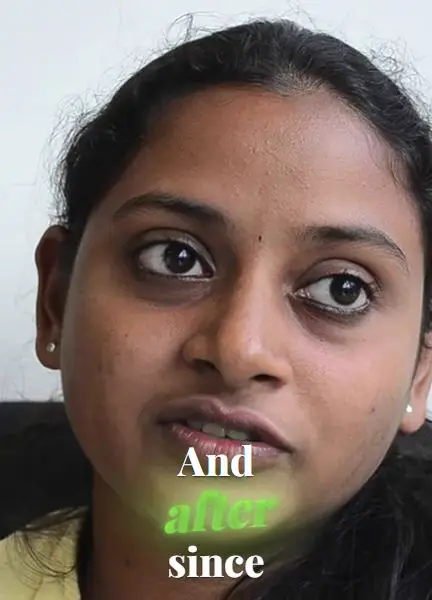
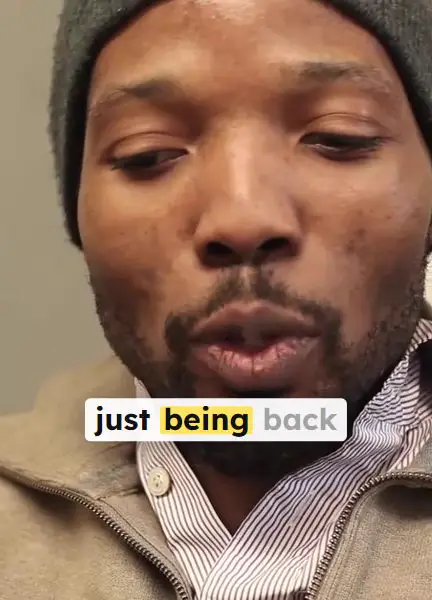
Animated captions for your Shorts, Reels and TikToks, made right in your browser. 20+ viral looks, every word editable, no install and no watermark.
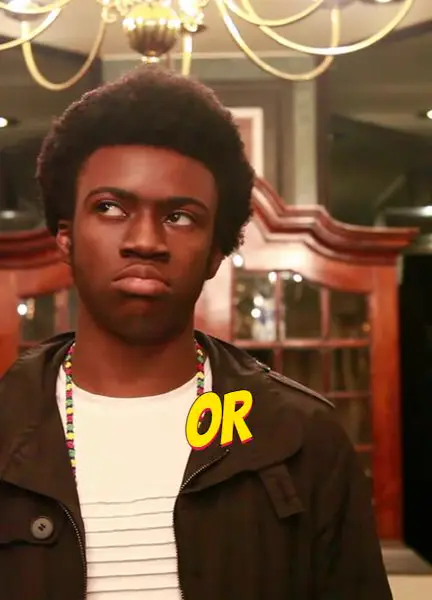

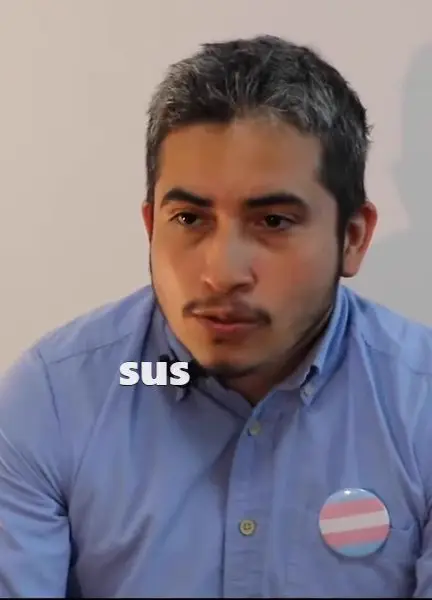
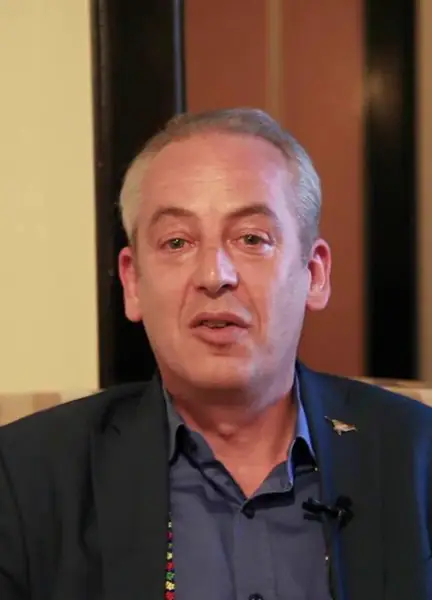
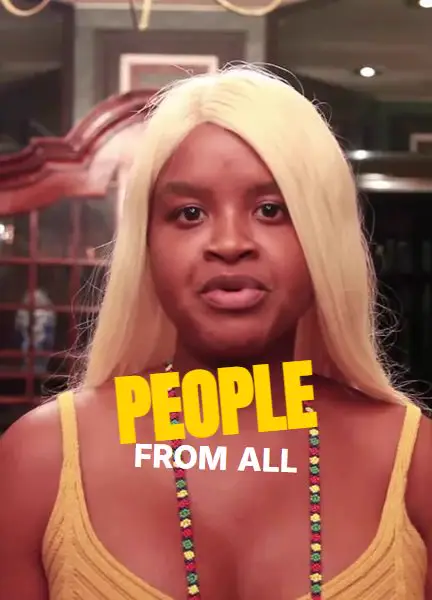
From camera roll to captioned in four moves.
Step 1
Upload the take
One MP4, straight from your camera roll. No timeline setup, no project files, no plugins.
Step 2
Every word gets a timestamp
Speech-to-text runs at word level, so the engine knows exactly when each syllable lands — and you can clean up the transcript before anything is styled.
Step 3
Pick a look, direct the frame
Choose from distinct cinematic styles, then drag the caption box anywhere in the frame and tune the hero and body text independently.
Step 4
Render and post
A deterministic Remotion pipeline burns the animation into a crisp 1080p vertical MP4. What you previewed is exactly what exports.
Automatic, until you disagree.
AI creates the baseline in seconds. You keep frame-by-frame control over every word, break, position, and motion curve.
The caption box is yours
Drag and resize the caption region anywhere in the frame — clear of faces, product shots, or platform UI. The render honours it to the pixel.
Timing you can re-cut
A word-level timeline lets you nudge any word's in and out points when the delivery needs a different beat than the transcript suggests.
Clean the transcript first
Fix names, drop filler words, and merge fragments before styling — so the animation never amplifies a typo.
Hero and body, styled apart
The emphasized word and the supporting line carry independent fonts, sizes, and colours. Tune one without disturbing the other.
Every export, kept
Each render lands in the project's export history with its settings, so last week's look is one click to reproduce.
Nothing to install. It runs in your browser.
Captions are written, styled and exported right in the tab you have open, on your phone or your laptop. No app, no plugin, no per-minute bill. Editing in Premiere, Resolve or Final Cut? The optional free desktop helper adds transparent ProRes and WebM caption overlays.
Good questions.
Questions1 / 6
Will CaptionsEasy work with vertical 9:16 Shorts, Reels, and TikToks?
Now, captivate.
Your next video deserves captions people actually watch. Start free, in under a minute.