
Popular caption style · #16
Underline Sweep captions
Lexend (built for readability) with an underline sweep.
These are the looks creators reach for most, the bold boxes and bouncing words you already know from podcast clips and talking-head Shorts, because they keep a fast speaker easy to follow even with the sound off.
- Readable
- Underline
- Font: Lexend
Where Underline Sweep works best
It suits podcast clips, business and finance Shorts, explainers, and because every word is timed to your voice, the motion lands on the beat of what you say instead of on a fixed clock.
Add it in three steps
- 1. Add your video. CaptionsEasy listens to it inside your browser and writes every word with its timing, in English or Hinglish.
- 2. Pick Underline Sweep. Fix any misheard word, then change the colours or font if you want it to match your brand.
- 3. Export. Download an MP4 with the captions burned in and no watermark, or an SRT file for your editor.
More popular styles
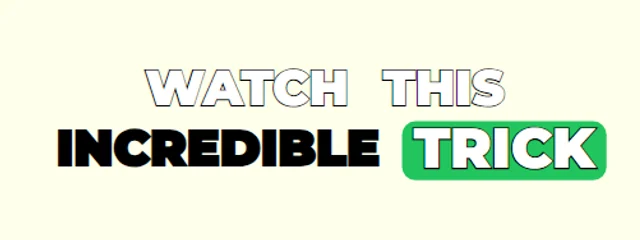
Jumping Box
Montserrat caps with a green box that jumps word to word
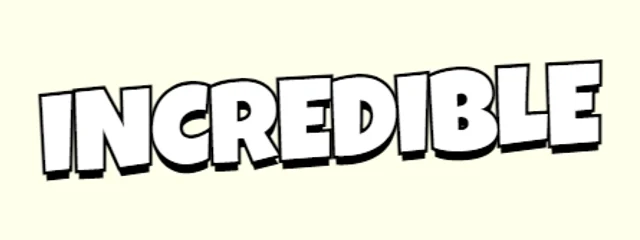
Bouncy Single Word
Chunky yellow words with a hard shadow and alternating tilt
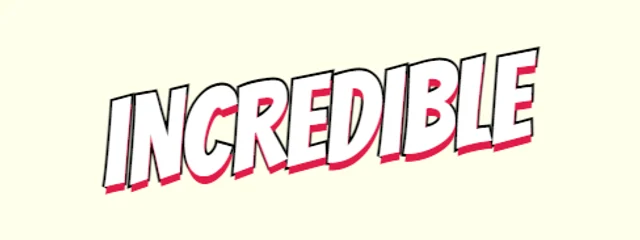
Comic Tilt
Comic-book Bangers with a red drop shadow and a big tilt
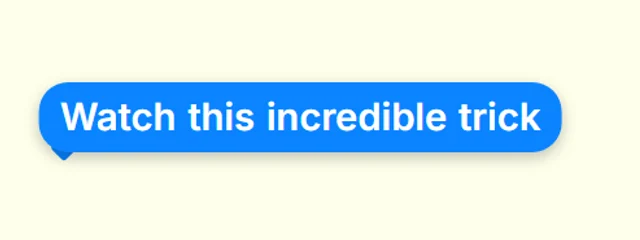
Chat Bubble
iMessage-style blue bubbles
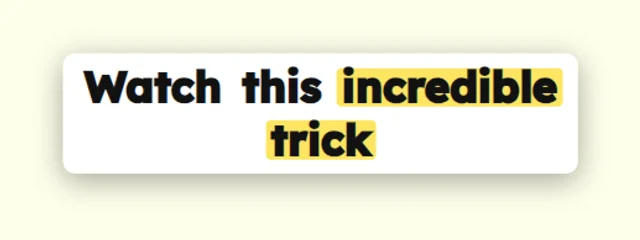
Yellow Highlighter
Dark text on a white card with a yellow marker
Questions
How do I add the Underline Sweep captions to my video?+
Open CaptionsEasy, add your video and let it write the captions, then choose Underline Sweep from the Popular looks and export an MP4. It all happens in your browser and there is nothing to install.
Can I change the colours and font of Underline Sweep?+
Yes. Every look is a starting point, so you can change the font, colours, outline, size, position and motion, then save the result as a brand kit to reuse.
Is Underline Sweep free to use?+
Yes. Every caption look and both MP4 and SRT exports are free with no watermark, for videos up to 5 minutes long.