
Captions for podcast clips that keep up with fast talkers
Podcast clips live or die on one good line, and bold word-timed captions make sure a viewer catches it even when two people are talking quickly over each other.
Built for talking heads
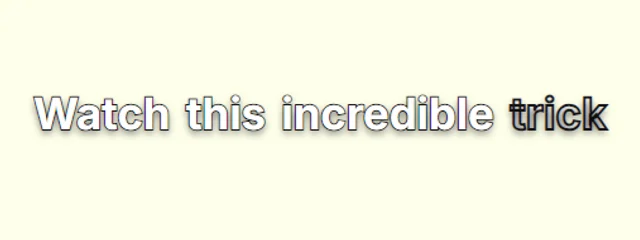
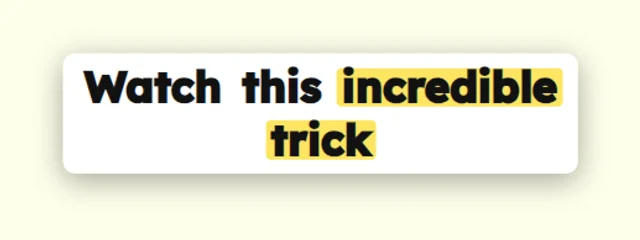
Box highlights and dimmed-until-spoken lines guide the eye to the word being said, which is exactly what a fast conversation needs.
Clear of faces
Drag the captions under or beside your guests so the words never sit on anyone's face.
Vertical cuts and widescreen
Caption the 9:16 clip for Reels and Shorts, or the 16:9 version for YouTube and LinkedIn.
Styles that suit it
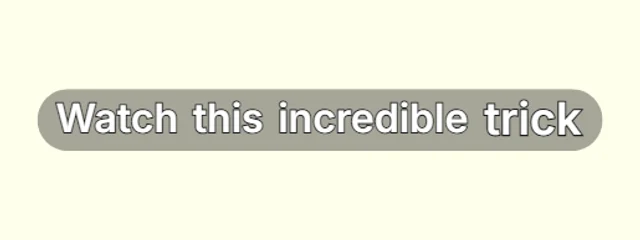
Browse every caption style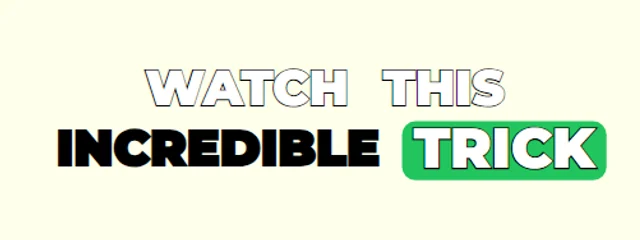
How it works
- 1. Add your videoIt is transcribed inside your browser, in English or Hindi / Hinglish, with a time for every word.
- 2. Check and styleFix any word, pick a look and move the captions where you want them in the frame.
- 3. ExportDownload an MP4 with the captions burned in, or an SRT file, with no watermark.
Questions
Is it really free?+
Yes. Captions, every look, the full editor and MP4 and SRT exports are free with no watermark, for videos up to 5 minutes long.
Is my video uploaded anywhere?+
No. Speech recognition and the MP4 export both run inside your browser, so the video stays on your device. Only your captions and settings are saved, so you can pick a project up again later.
Also on CaptionsEasy
- Animated captions for Instagram Reels
- Captions for YouTube Shorts, timed to every word
- Word-by-word captions for TikTok
- Hinglish captions that read the way you talk
- A free auto caption generator that runs in your browser
- Add subtitles to any video, free and in minutes
- Make an SRT file from your video
- Animated captions with no watermark, free
- Animated captions that move with your voice