
Clean caption style · #107
Read-Along Light Up captions
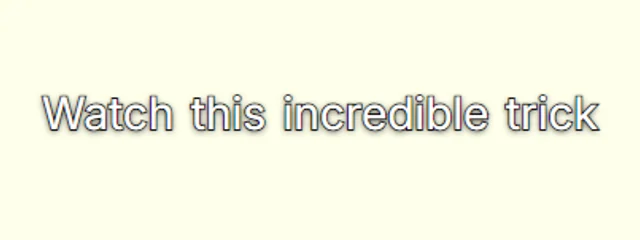
Full line visible; words light up white as they're read.
Quiet, readable captions that stay out of the way, for videos where the speaker is the show and the captions only need to make every word land.
- Full line
- Dimmed
- Font: Inter
Where Read-Along Light Up works best
It suits interviews, courses, documentaries, LinkedIn videos, and because every word is timed to your voice, the motion lands on the beat of what you say instead of on a fixed clock.
Add it in three steps
- 1. Add your video. CaptionsEasy listens to it inside your browser and writes every word with its timing, in English or Hinglish.
- 2. Pick Read-Along Light Up. Fix any misheard word, then change the colours or font if you want it to match your brand.
- 3. Export. Download an MP4 with the captions burned in and no watermark, or an SRT file for your editor.
More clean styles

Questions
How do I add the Read-Along Light Up captions to my video?+
Open CaptionsEasy, add your video and let it write the captions, then choose Read-Along Light Up from the Clean looks and export an MP4. It all happens in your browser and there is nothing to install.
Can I change the colours and font of Read-Along Light Up?+
Yes. Every look is a starting point, so you can change the font, colours, outline, size, position and motion, then save the result as a brand kit to reuse.
Is Read-Along Light Up free to use?+
Yes. Every caption look and both MP4 and SRT exports are free with no watermark, for videos up to 5 minutes long.