
Make an SRT file from your video
If your editor or platform wants a subtitle file rather than burned-in captions, CaptionsEasy transcribes the video in your browser, lets you fix any word, and gives you a clean .srt to drop wherever you need it.
Works everywhere SRT works
Upload it to YouTube or LinkedIn, or import it into Premiere Pro, CapCut, DaVinci Resolve and most other editors.
Timing you can trust
Every line is timed from the speech itself, so the subtitles appear when the words are said rather than drifting a beat behind.
Fix before you download
Correct names and spellings in the editor first, so the file you download is ready to publish.
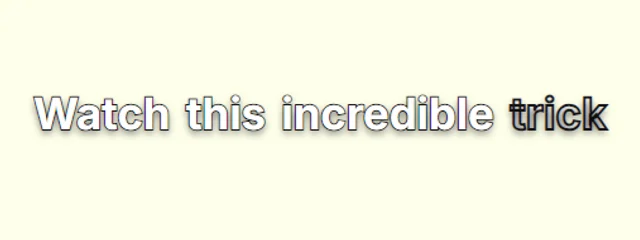
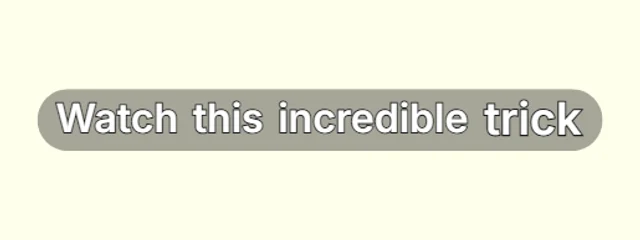
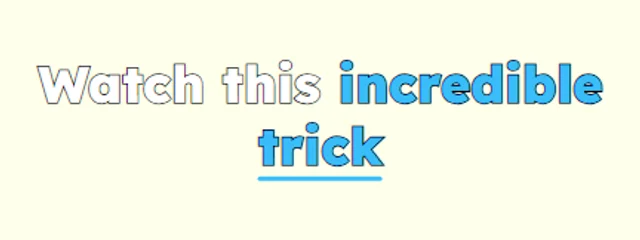
Styles that suit it
Browse every caption style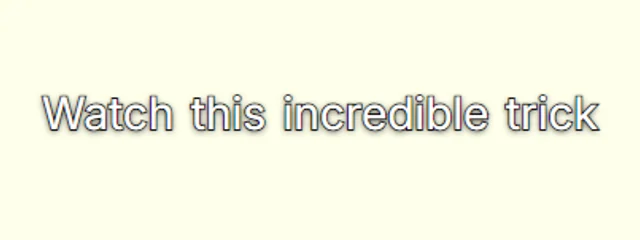
How it works
- 1. Add your videoIt is transcribed inside your browser, in English or Hindi / Hinglish, with a time for every word.
- 2. Check and styleFix any word, pick a look and move the captions where you want them in the frame.
- 3. ExportDownload an MP4 with the captions burned in, or an SRT file, with no watermark.
Questions
Can I get both an SRT and an MP4?+
Yes. Export the SRT file for your editor and an MP4 with burned-in captions from the same project.
Is it really free?+
Yes. Captions, every look, the full editor and MP4 and SRT exports are free with no watermark, for videos up to 5 minutes long.
Is my video uploaded anywhere?+
No. Speech recognition and the MP4 export both run inside your browser, so the video stays on your device. Only your captions and settings are saved, so you can pick a project up again later.
Also on CaptionsEasy
- Animated captions for Instagram Reels
- Captions for YouTube Shorts, timed to every word
- Word-by-word captions for TikTok
- Hinglish captions that read the way you talk
- A free auto caption generator that runs in your browser
- Add subtitles to any video, free and in minutes
- Animated captions with no watermark, free
- Captions for podcast clips that keep up with fast talkers
- Animated captions that move with your voice