
Add subtitles to any video, free and in minutes
Whether you need plain subtitles for a course or bold animated captions for a Reel, you add the video, check the words, pick a look and export, all without installing anything.
Plain or animated
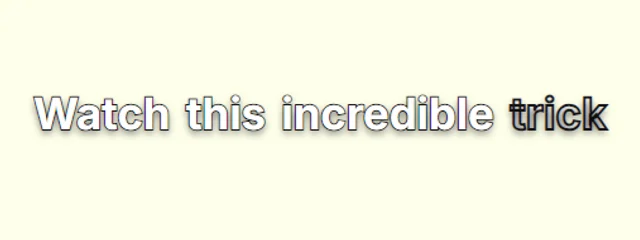
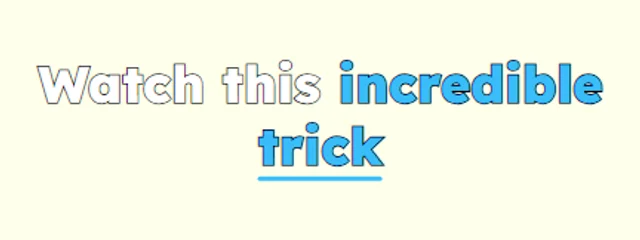
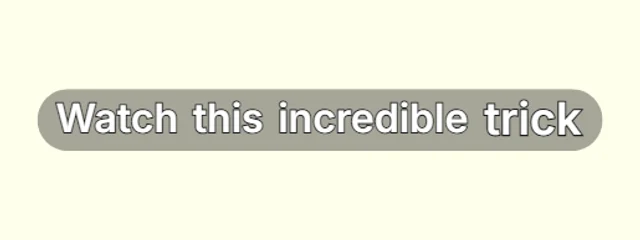
Classic film-style subtitles sit quietly at the bottom of the frame, and animated looks put the key words front and centre, so the same tool covers both jobs.
Two ways out
Burn the subtitles into an MP4 so they show everywhere, or download an SRT file for YouTube, LinkedIn, Premiere or CapCut.
Vertical and widescreen
It works with 9:16 Shorts and Reels as well as 16:9 widescreen video.
Styles that suit it
Browse every caption style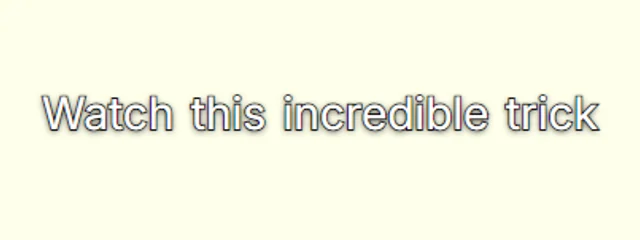
How it works
- 1. Add your videoIt is transcribed inside your browser, in English or Hindi / Hinglish, with a time for every word.
- 2. Check and styleFix any word, pick a look and move the captions where you want them in the frame.
- 3. ExportDownload an MP4 with the captions burned in, or an SRT file, with no watermark.
Questions
Is it really free?+
Yes. Captions, every look, the full editor and MP4 and SRT exports are free with no watermark, for videos up to 5 minutes long.
Is my video uploaded anywhere?+
No. Speech recognition and the MP4 export both run inside your browser, so the video stays on your device. Only your captions and settings are saved, so you can pick a project up again later.
Do I need to install anything?+
No. Transcription, editing and MP4 export all run in your browser, on desktop or phone.
Also on CaptionsEasy
- Animated captions for Instagram Reels
- Captions for YouTube Shorts, timed to every word
- Word-by-word captions for TikTok
- Hinglish captions that read the way you talk
- A free auto caption generator that runs in your browser
- Make an SRT file from your video
- Animated captions with no watermark, free
- Captions for podcast clips that keep up with fast talkers
- Animated captions that move with your voice